PRODUCTIVITY5 min read•October 8, 2026

How to Fill Out PDF Forms & Permanently Redact Sensitive Info on Mobile

Master PDF form filling and permanent text blackout redaction on Android. Hide Social Security, bank details, and personal data securely.

DL
Tim Editorial D Lucky XPublished for Global Android Users
How to Fill Out PDF Forms & Permanently Redact Sensitive Info on Mobile

1. Guarding Social Security and Bank Info Before Sharing

Sharing unredacted scans of IDs, tax reports, and payroll statements invites identity theft. Most service desks only require proof of name and confirmation numbers—not full identification numbers.

True redaction shields your identity before emailing documents to prospective landlords, insurance adjusters, or employers.

2. The Danger of Casual Brush Strokes vs Real Redaction

Drawing over numbers with a black drawing tool on typical gallery apps simply creates a graphical overlay. The underlying vector text remains selectable and can be copied and pasted by any recipient!

Offline PDF Editor's True Redaction physically strips character metadata from the document file structure, substituting solid opaque blocks that cannot be uncovered.

Security Alert

Never use semi-transparent highlighter tools to conceal sensitive IDs. Always employ true redaction algorithms.

3. Effortless Form Filling on Scanned Documents

Insert typed text boxes cleanly over non-interactive scanned form lines. Adjust font size, align margins, and place checkmark symbols over checkboxes.

Recommended Hardware

Tested Tools for Digital Paperwork & Note-Taking

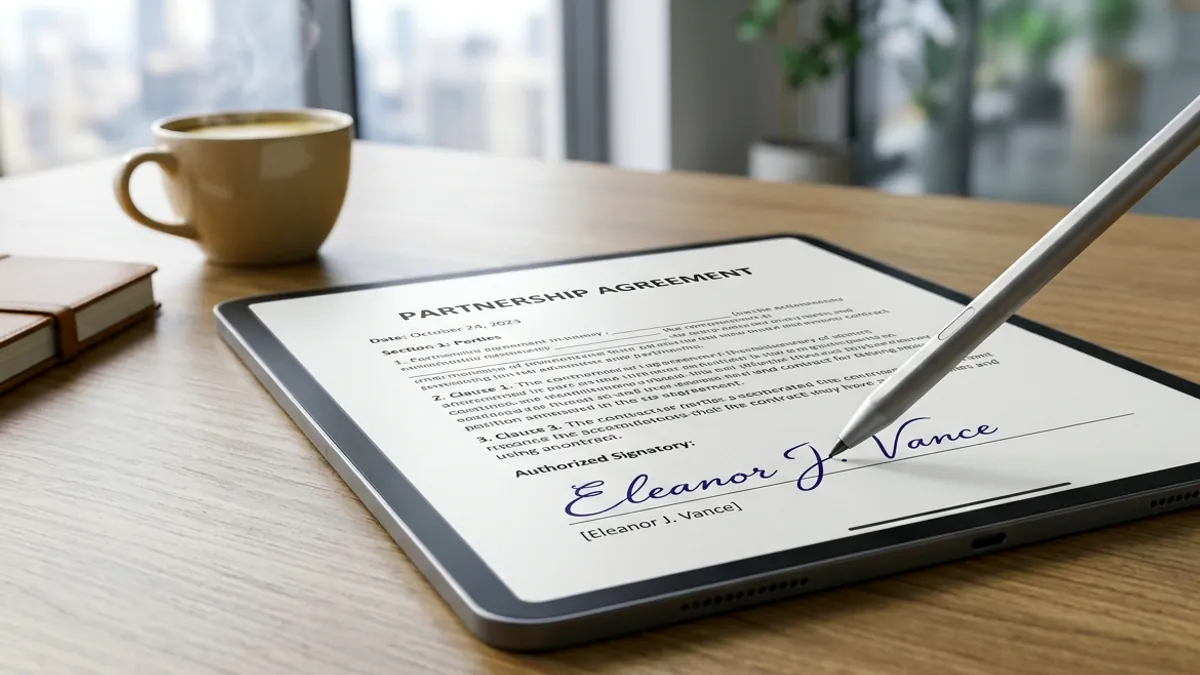
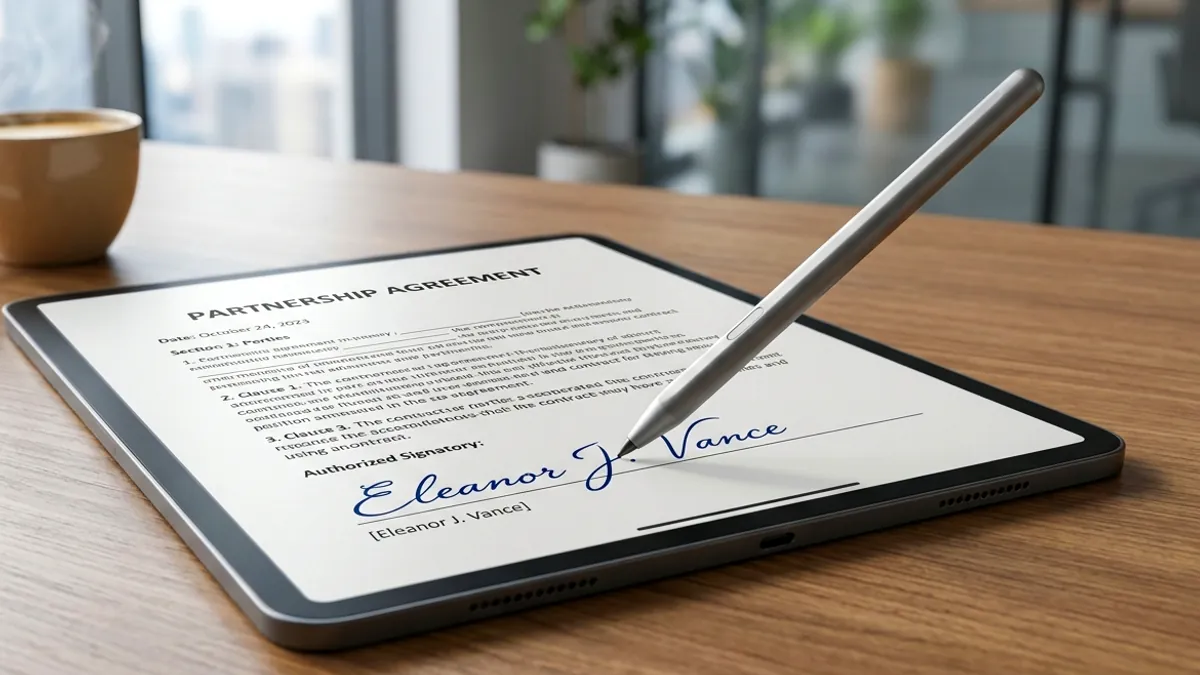
Eliminate slippery touchscreen friction and sign digital PDFs with pen-like precision using tested universal styluses and paper-feel protectors.

High-Precision Universal Capacitive Stylus for Touchscreens
Precision E-Signature StylusAmazon

High-Precision Universal Capacitive Stylus for Touchscreens

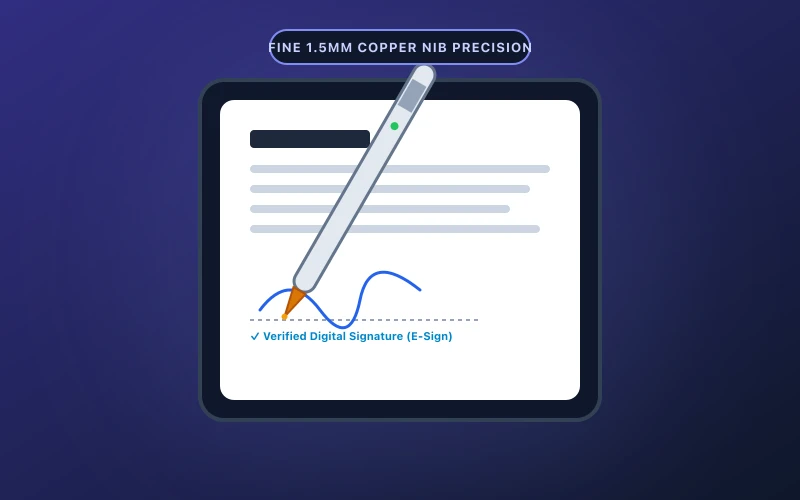
Ultra-fine 1.5mm precision tip ideal for signing digital PDF contracts, annotating reports, and freehand note-taking.

  • Fine 1.5mm copper tip delivers pixel-precise signature strokes
  • One-button instant start with zero Bluetooth pairing hurdles
Check on Amazon
Matte Paper-Feel Screen Protector (Anti-Glare & Friction)
Matte Paper-Feel SurfaceAmazon

Matte Paper-Feel Screen Protector (Anti-Glare & Friction)

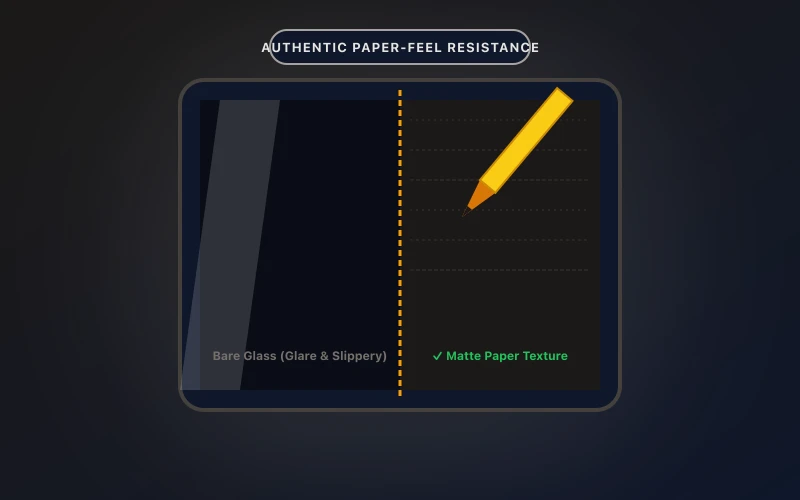
Transforms slippery tablet glass into authentic paper texture, reducing hand fatigue and glare during document review.

  • Precise paper damping ratio prevents annoying stylus slips
  • Anti-glare matte coating minimizes eye fatigue under bright lighting
Check on Amazon

Transparency Disclosure: When you buy through links on our site, we may earn an affiliate commission at no extra cost to you.

Direct Amazon Storefront
Offline PDF Editor & Sign
Official Google Play
5.0 • 10+ Downloads

Offline PDF Editor & Sign

Fast & 100% offline PDF editor. Sign, merge, split, compress, and secure documents.

Frequently Asked Questions (FAQ)

Q: Can redacted information be retrieved by zooming in?

No. The underlying character codes are permanently wiped from the PDF file.

Q: Can I place checkmarks and checkboxes?

Yes, standard checkmarks (✓) and crosses (✗) are built right into the annotation toolkit.

Q: Is there any subscription fee for form filling?

No. All annotation and redaction utilities are completely free and work offline.

Related Guides & Articles

View All Guides →