PRODUCTIVITY4 min read•October 8, 2026

How to Merge Multiple PDF Files on Android Without Internet or Cloud Uploads

Step-by-step tutorial on combining resumes, diplomas, certificates, and reports into a single organized PDF on Android without internet.

DL
Tim Editorial D Lucky XPublished for Global Android Users
How to Merge Multiple PDF Files on Android Without Internet or Cloud Uploads

1. The Need to Consolidate Paperwork for Job & School Applications

Job portals, university admissions, and visa authorities frequently require candidates to submit credentials—ID cards, degree transcripts, cover letters, and recommendation letters—in one single unified PDF file.

Many candidates resort to risky third-party cloud tools. On-device local merging eliminates data privacy risks while operating at lightning speed.

2. Fast Procedure to Combine PDFs on Android

Open the 'Merge PDF' tool inside Offline PDF Editor. Pick files from your internal storage, reorder thumbnail tiles with drag-and-drop, and tap 'Merge'. Your new clean document is ready instantly.

  • Batch select multiple PDFs from local folders.
  • Visual thumbnail reordering to ensure pages match expected sequences.
  • Zero watermarks and zero page limitations.

3. Keeping Merged Files Under 2MB Thresholds

When combining multiple scanned images, the output file can exceed strict portal upload ceilings. Use the companion compression slider to downscale resolution without blurring critical text.

Recommended Hardware

Tested Tools for Digital Paperwork & Note-Taking

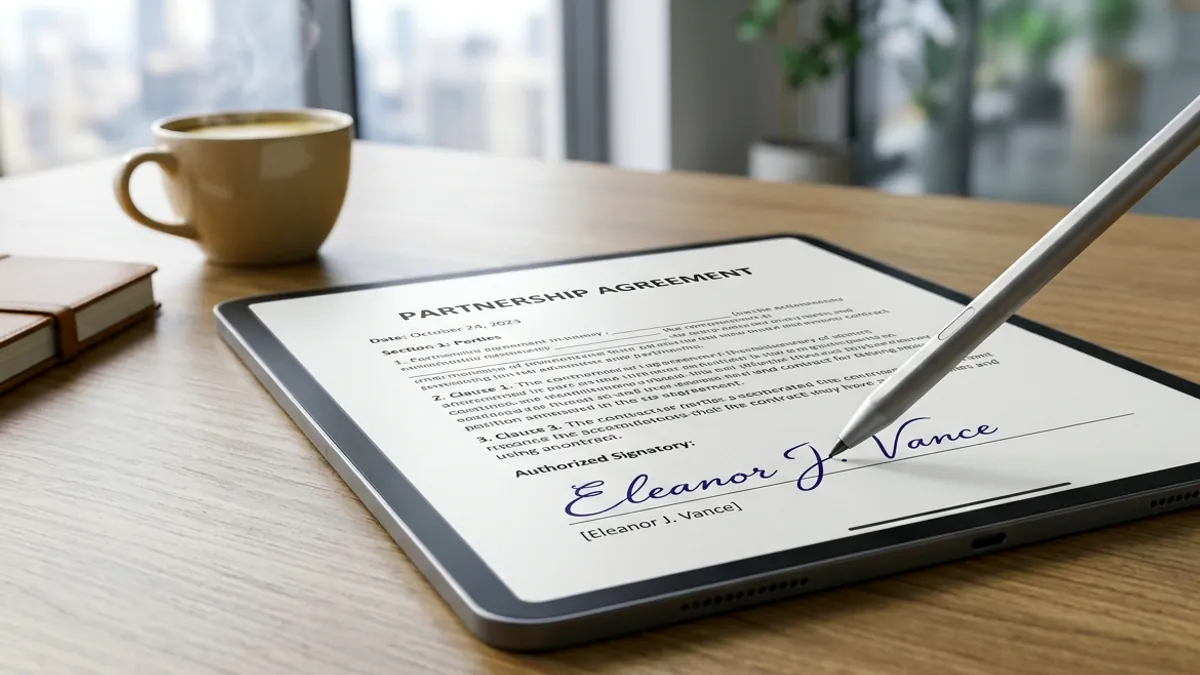
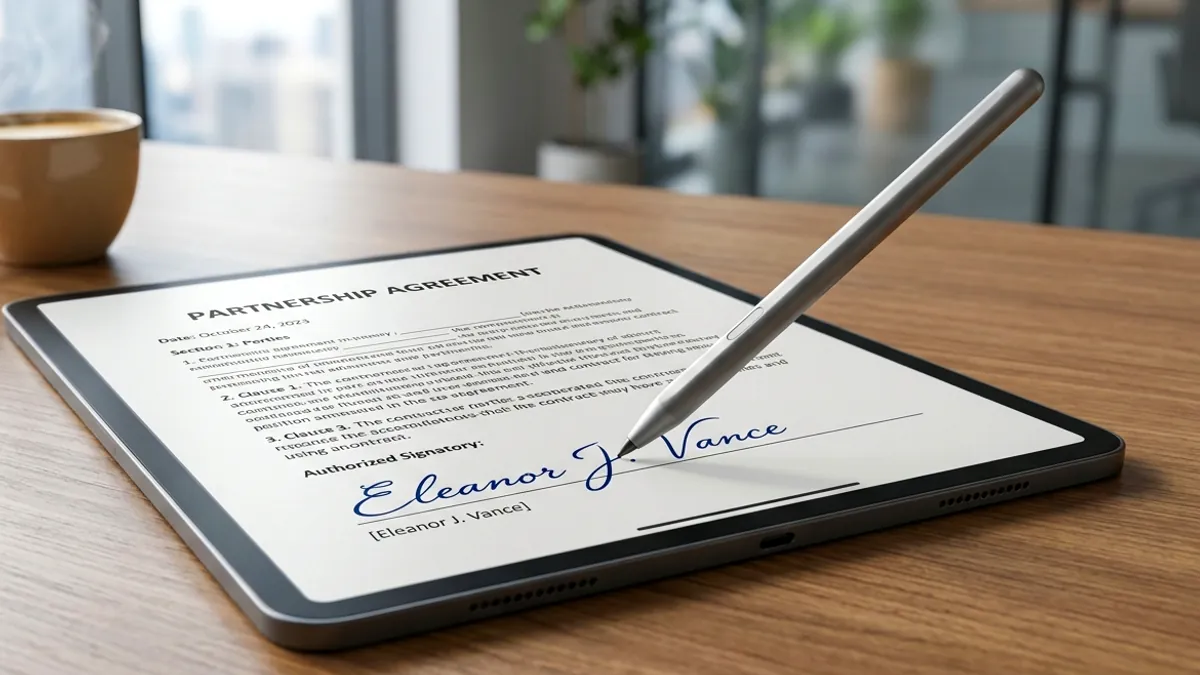
Eliminate slippery touchscreen friction and sign digital PDFs with pen-like precision using tested universal styluses and paper-feel protectors.

High-Precision Universal Capacitive Stylus for Touchscreens
Precision E-Signature StylusAmazon

High-Precision Universal Capacitive Stylus for Touchscreens

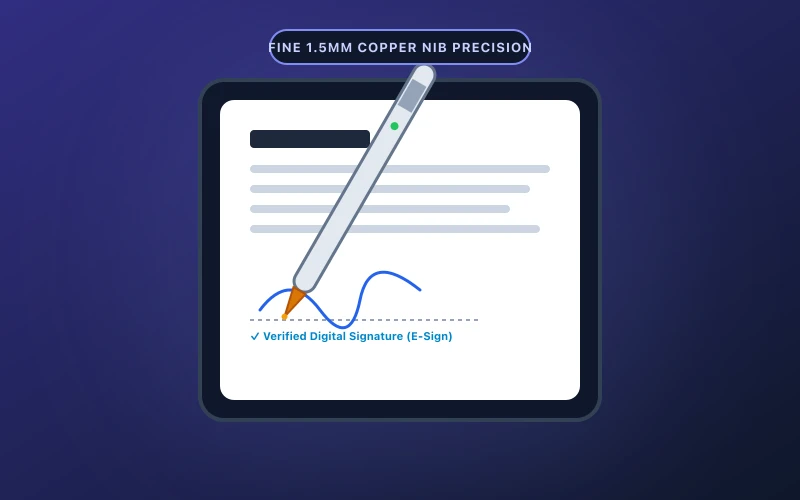
Ultra-fine 1.5mm precision tip ideal for signing digital PDF contracts, annotating reports, and freehand note-taking.

  • Fine 1.5mm copper tip delivers pixel-precise signature strokes
  • One-button instant start with zero Bluetooth pairing hurdles
Check on Amazon
Matte Paper-Feel Screen Protector (Anti-Glare & Friction)
Matte Paper-Feel SurfaceAmazon

Matte Paper-Feel Screen Protector (Anti-Glare & Friction)

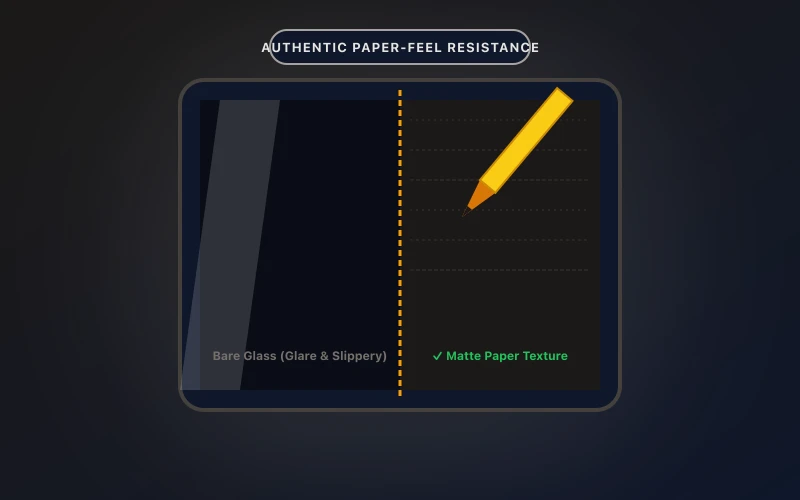
Transforms slippery tablet glass into authentic paper texture, reducing hand fatigue and glare during document review.

  • Precise paper damping ratio prevents annoying stylus slips
  • Anti-glare matte coating minimizes eye fatigue under bright lighting
Check on Amazon

Transparency Disclosure: When you buy through links on our site, we may earn an affiliate commission at no extra cost to you.

Direct Amazon Storefront
Offline PDF Editor & Sign
Official Google Play
5.0 • 10+ Downloads

Offline PDF Editor & Sign

Fast & 100% offline PDF editor. Sign, merge, split, compress, and secure documents.

Frequently Asked Questions (FAQ)

Q: Can I rearrange page order before merging?

Yes. Drag and drop any thumbnail card to re-sequence pages effortlessly.

Q: Is there a page limit on merged documents?

No artificial limits. You can combine dozens of pages dependent only on device RAM.

Q: Does the output PDF contain any watermark?

No. The resulting document is completely clean and watermark-free.

Related Guides & Articles

View All Guides →