PRODUCTIVITY4 min read•October 8, 2026

Step-by-Step Guide to Digitally Sign Contracts on PDF via Android Phone

Learn how to sign contracts, agreements, and official paperwork directly on your Android phone using vector digital e-signatures.

DL
Tim Editorial D Lucky XPublished for Global Android Users
Step-by-Step Guide to Digitally Sign Contracts on PDF via Android Phone

1. Going Paperless: Sign Contracts Without Print & Scan Cycles

Printing multi-page agreements, manually signing with a pen, and re-scanning them is an outdated, costly ritual. Signing PDFs on mobile allows you to finalize deals on the go.

2. Drawing Fluid Signatures with Touchscreen Smoothing

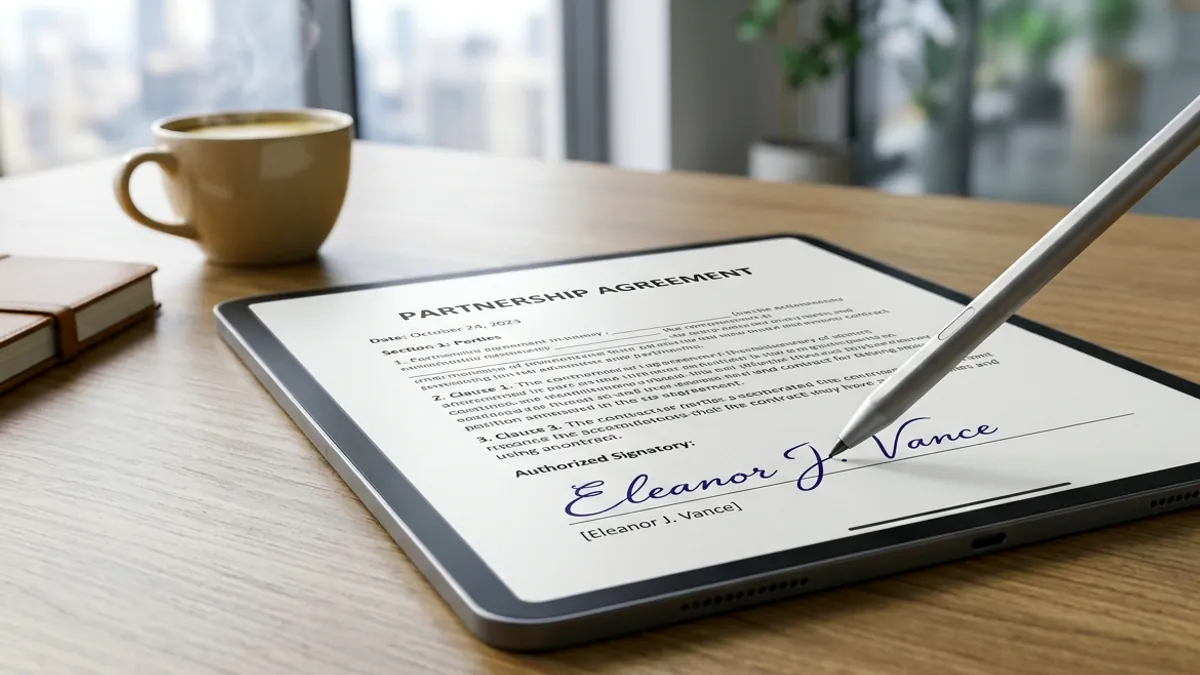
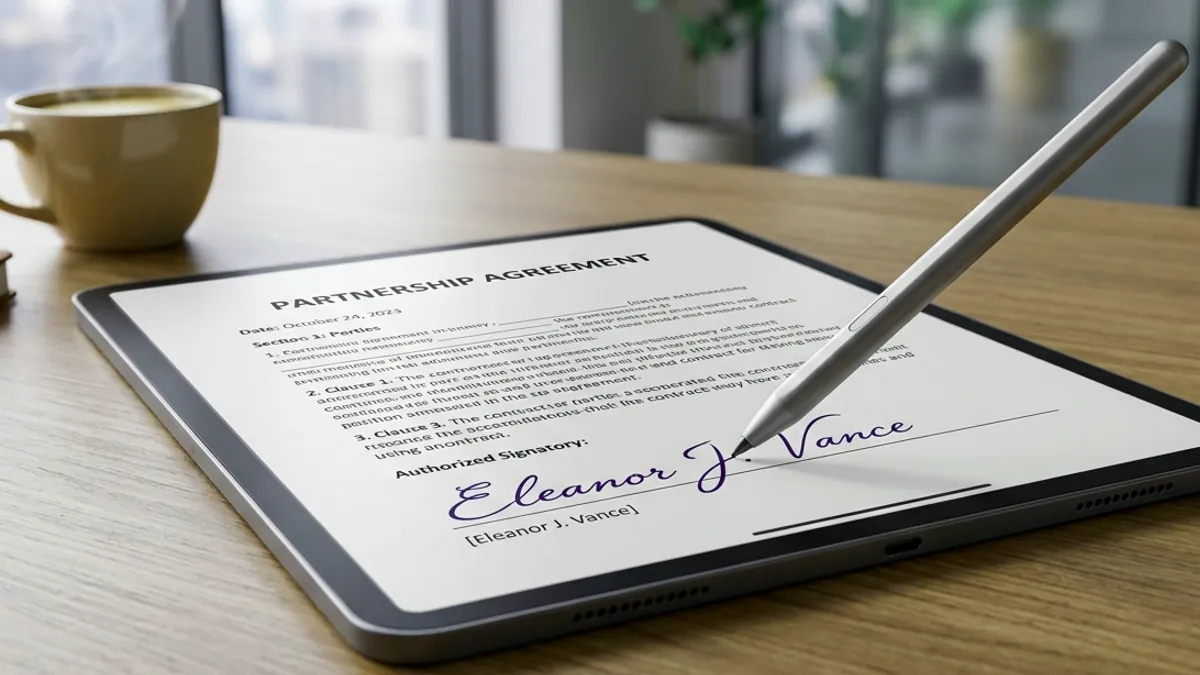
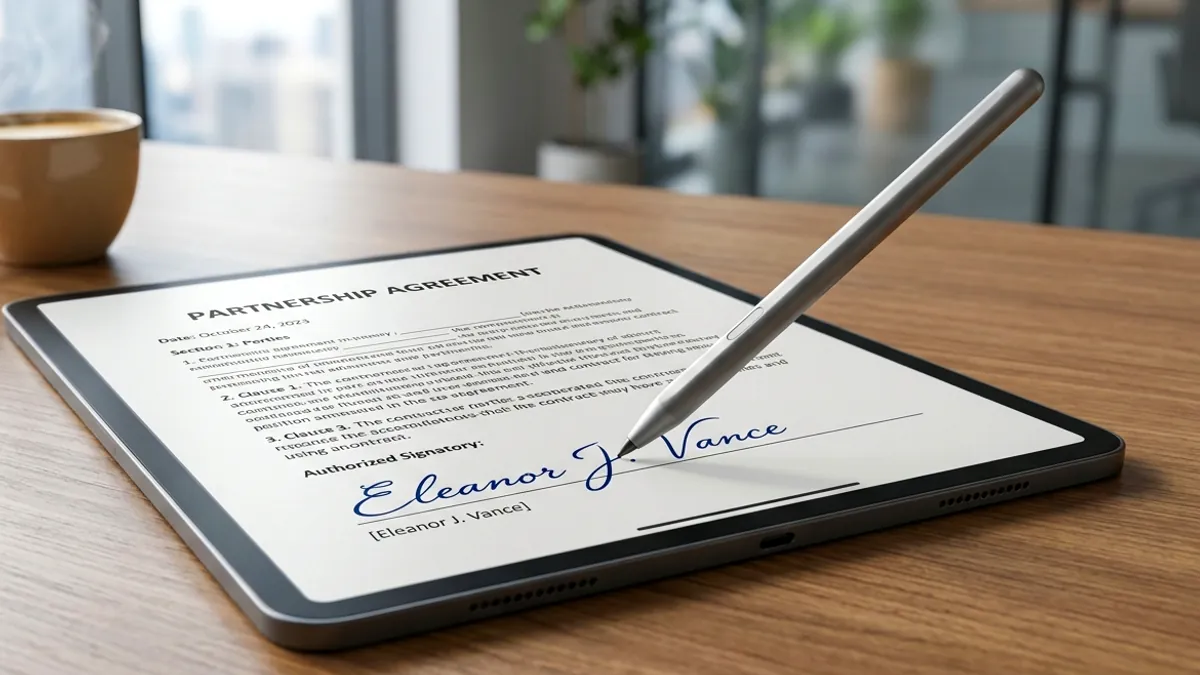
Tap 'E-Sign' inside Offline PDF Editor to access a digital canvas equipped with curve smoothing algorithms. Your stroke lines look natural, just like premium fountain pen ink.

  • Select classic ink colors: Jet Black, Royal Blue, or Navy.
  • Auto-transparent background prevents covering document text.
  • Save signature templates for rapid signing across multiple pages.

3. Adding Dates and Typed Names

Use the annotation module to type your full name and timestamp next to your signature. Flatten the document to lock elements permanently into place.

Recommended Hardware

Tested Tools for Digital Paperwork & Note-Taking

Eliminate slippery touchscreen friction and sign digital PDFs with pen-like precision using tested universal styluses and paper-feel protectors.

High-Precision Universal Capacitive Stylus for Touchscreens
Precision E-Signature StylusAmazon

High-Precision Universal Capacitive Stylus for Touchscreens

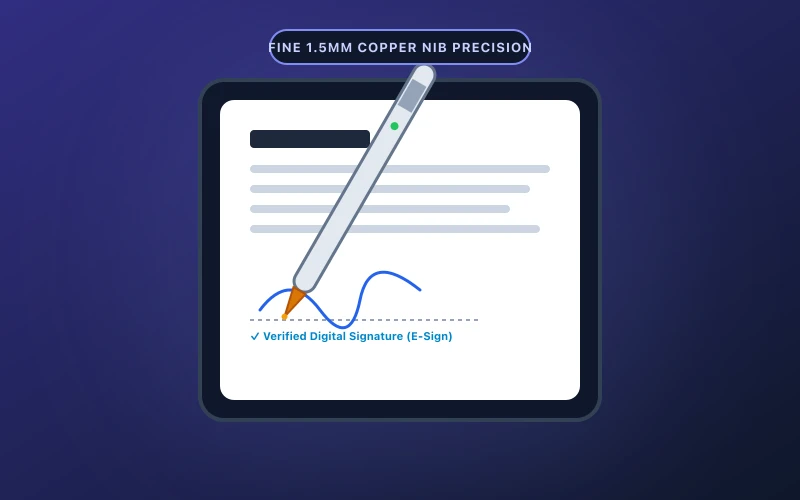
Ultra-fine 1.5mm precision tip ideal for signing digital PDF contracts, annotating reports, and freehand note-taking.

  • Fine 1.5mm copper tip delivers pixel-precise signature strokes
  • One-button instant start with zero Bluetooth pairing hurdles
Check on Amazon
Matte Paper-Feel Screen Protector (Anti-Glare & Friction)
Matte Paper-Feel SurfaceAmazon

Matte Paper-Feel Screen Protector (Anti-Glare & Friction)

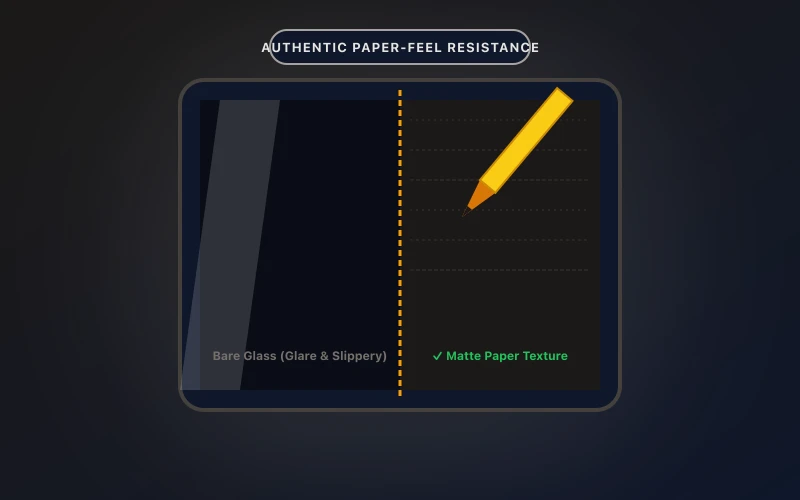
Transforms slippery tablet glass into authentic paper texture, reducing hand fatigue and glare during document review.

  • Precise paper damping ratio prevents annoying stylus slips
  • Anti-glare matte coating minimizes eye fatigue under bright lighting
Check on Amazon

Transparency Disclosure: When you buy through links on our site, we may earn an affiliate commission at no extra cost to you.

Direct Amazon Storefront
Offline PDF Editor & Sign
Official Google Play
5.0 • 10+ Downloads

Offline PDF Editor & Sign

Fast & 100% offline PDF editor. Sign, merge, split, compress, and secure documents.

Frequently Asked Questions (FAQ)

Q: Can other people extract my signature from the PDF?

The signature is flattened into the page rendering layer and files are processed strictly offline, keeping your biometric marks private.

Q: Can I import an existing signature image from paper?

Yes. Import a photo from your gallery and the app will isolate the stroke while stripping the white background.

Q: Can I sign multiple pages quickly?

Yes, use saved presets to place your signature or initials across pages with a single tap.

Related Guides & Articles

View All Guides →