PRODUCTIVITY5 min read•October 8, 2026

How to Compress PDF to 200KB - 500KB on Android Without Blurry Text

Master local PDF file compression on Android. Reduce large documents down to 200KB or 300KB while keeping typography crisp and legible.

DL
Tim Editorial D Lucky XPublished for Global Android Users
How to Compress PDF to 200KB - 500KB on Android Without Blurry Text

1. Why Portals Reject Over-Sized PDF Files

Most government hiring portals, academic institutions, and corporate submission forms enforce rigid file ceilings: 200KB, 300KB, or 500KB maximum per PDF.

Meanwhile, high-resolution smartphone cameras produce 5MB to 15MB files per document page. The trick is intelligent downsampling that preserves vector fonts while optimizing image DPI.

2. The Secret to Lossless Text Quality

Offline PDF Editor separates embedded vector typography from raster photography. Fonts remain razor-sharp while background scan noise and excessive DPI are reduced, shrinking size by 70% to 85%.

Compression Advice

Use 'High Compression' for strict 200KB job portals, and 'Balanced' for official certificates with intricate seals.

3. 3-Step Compression Walkthrough

Open 'Compress PDF', pick your document, select your preferred target size preset, and tap 'Save'. Your new optimized copy is saved locally without overwriting the master.

Recommended Hardware

Tested Tools for Digital Paperwork & Note-Taking

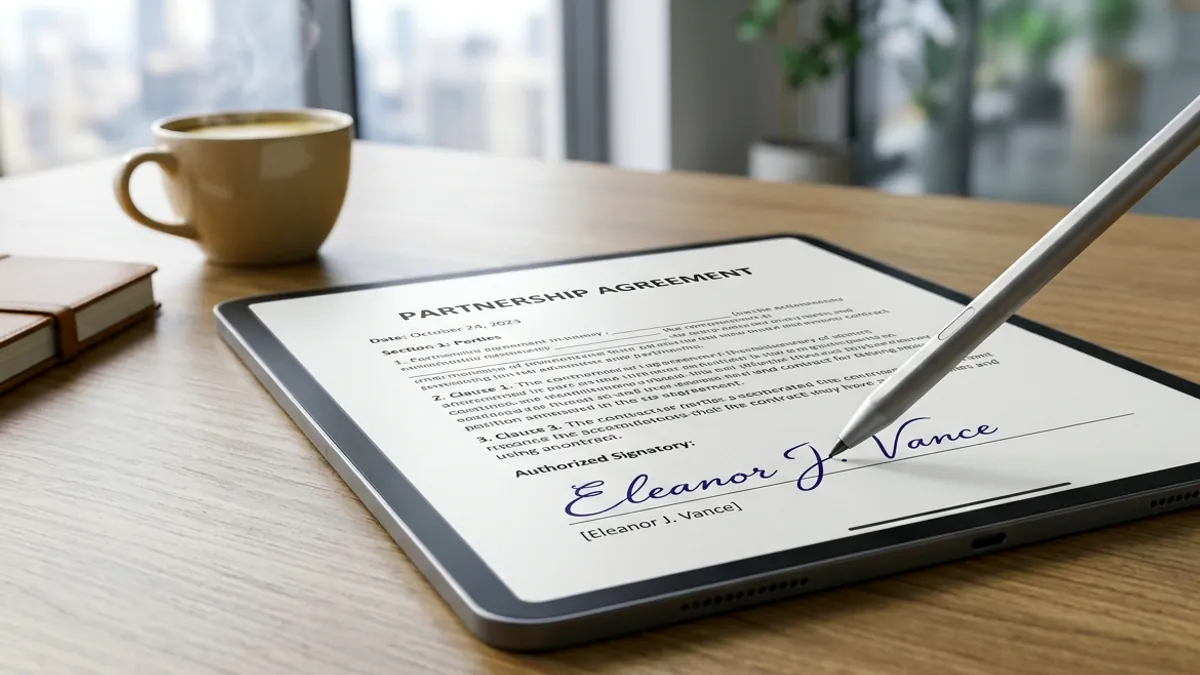
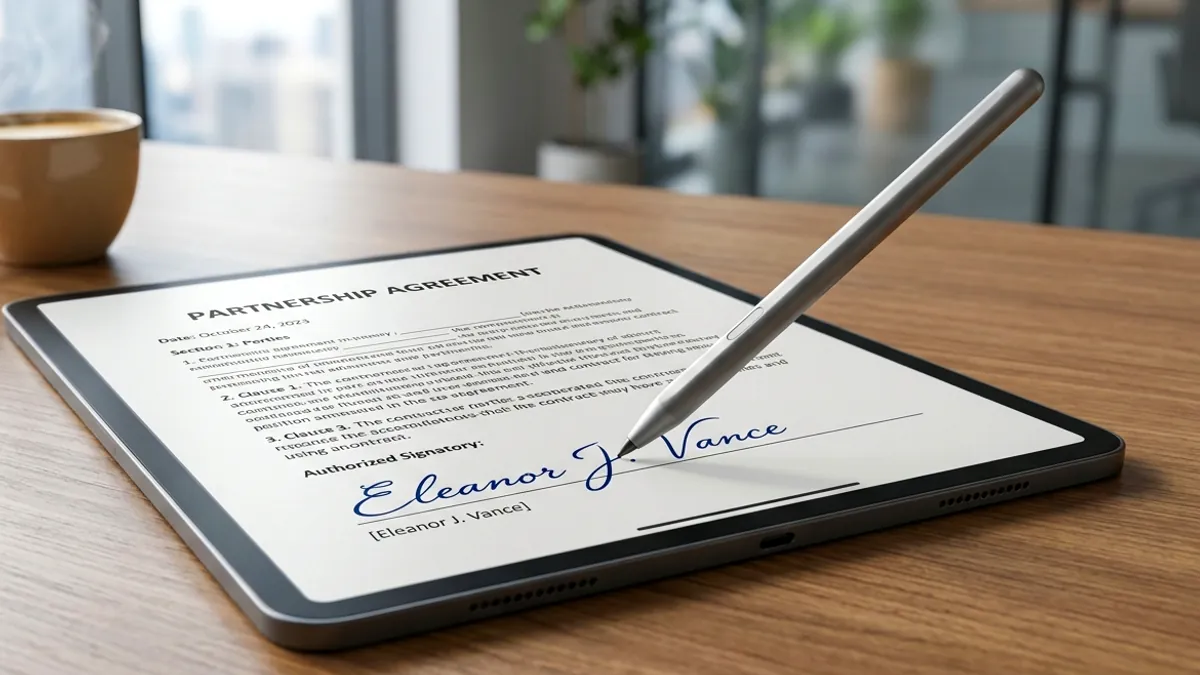
Eliminate slippery touchscreen friction and sign digital PDFs with pen-like precision using tested universal styluses and paper-feel protectors.

High-Precision Universal Capacitive Stylus for Touchscreens
Precision E-Signature StylusAmazon

High-Precision Universal Capacitive Stylus for Touchscreens

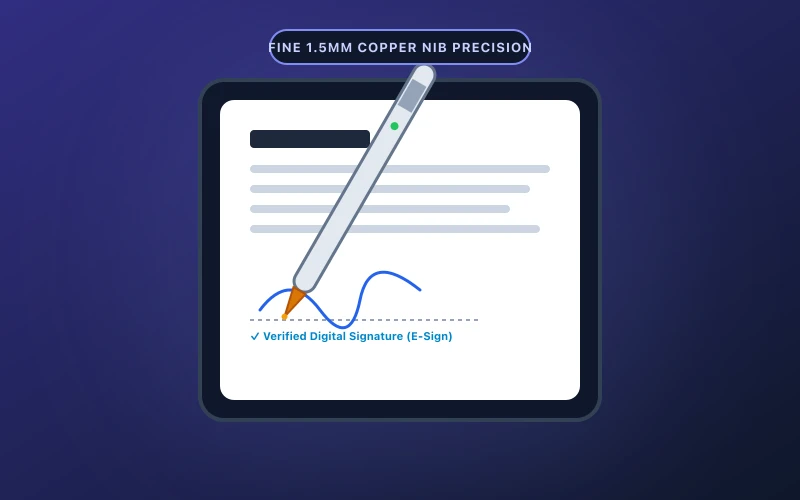
Ultra-fine 1.5mm precision tip ideal for signing digital PDF contracts, annotating reports, and freehand note-taking.

  • Fine 1.5mm copper tip delivers pixel-precise signature strokes
  • One-button instant start with zero Bluetooth pairing hurdles
Check on Amazon
Matte Paper-Feel Screen Protector (Anti-Glare & Friction)
Matte Paper-Feel SurfaceAmazon

Matte Paper-Feel Screen Protector (Anti-Glare & Friction)

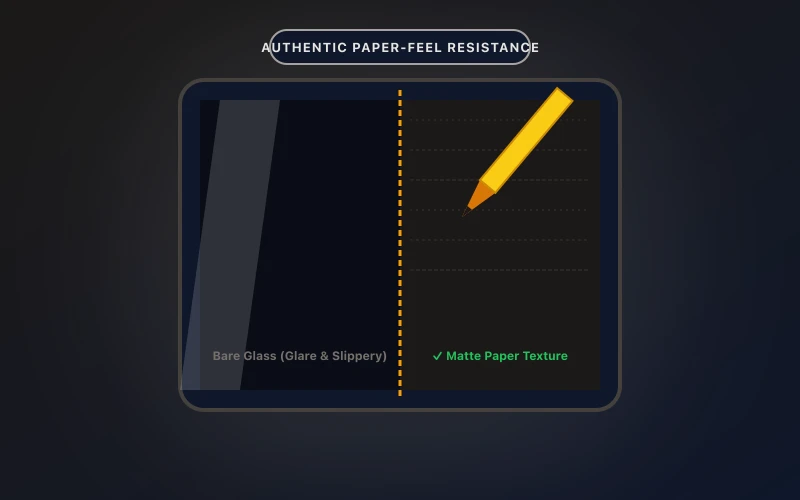
Transforms slippery tablet glass into authentic paper texture, reducing hand fatigue and glare during document review.

  • Precise paper damping ratio prevents annoying stylus slips
  • Anti-glare matte coating minimizes eye fatigue under bright lighting
Check on Amazon

Transparency Disclosure: When you buy through links on our site, we may earn an affiliate commission at no extra cost to you.

Direct Amazon Storefront
Offline PDF Editor & Sign
Official Google Play
5.0 • 10+ Downloads

Offline PDF Editor & Sign

Fast & 100% offline PDF editor. Sign, merge, split, compress, and secure documents.

Frequently Asked Questions (FAQ)

Q: Will my text become blurry or unreadable?

No. Vector typography remains mathematically sharp. Only excessive raster scanner resolution is optimized.

Q: Can I compress documents without Wi-Fi or cellular data?

Yes. Processing occurs 100% on-device inside your phone's memory.

Q: Is the original PDF overwritten?

No, a newly compressed copy is created, keeping your master file intact.

Related Guides & Articles

View All Guides →